The ComplyLab App
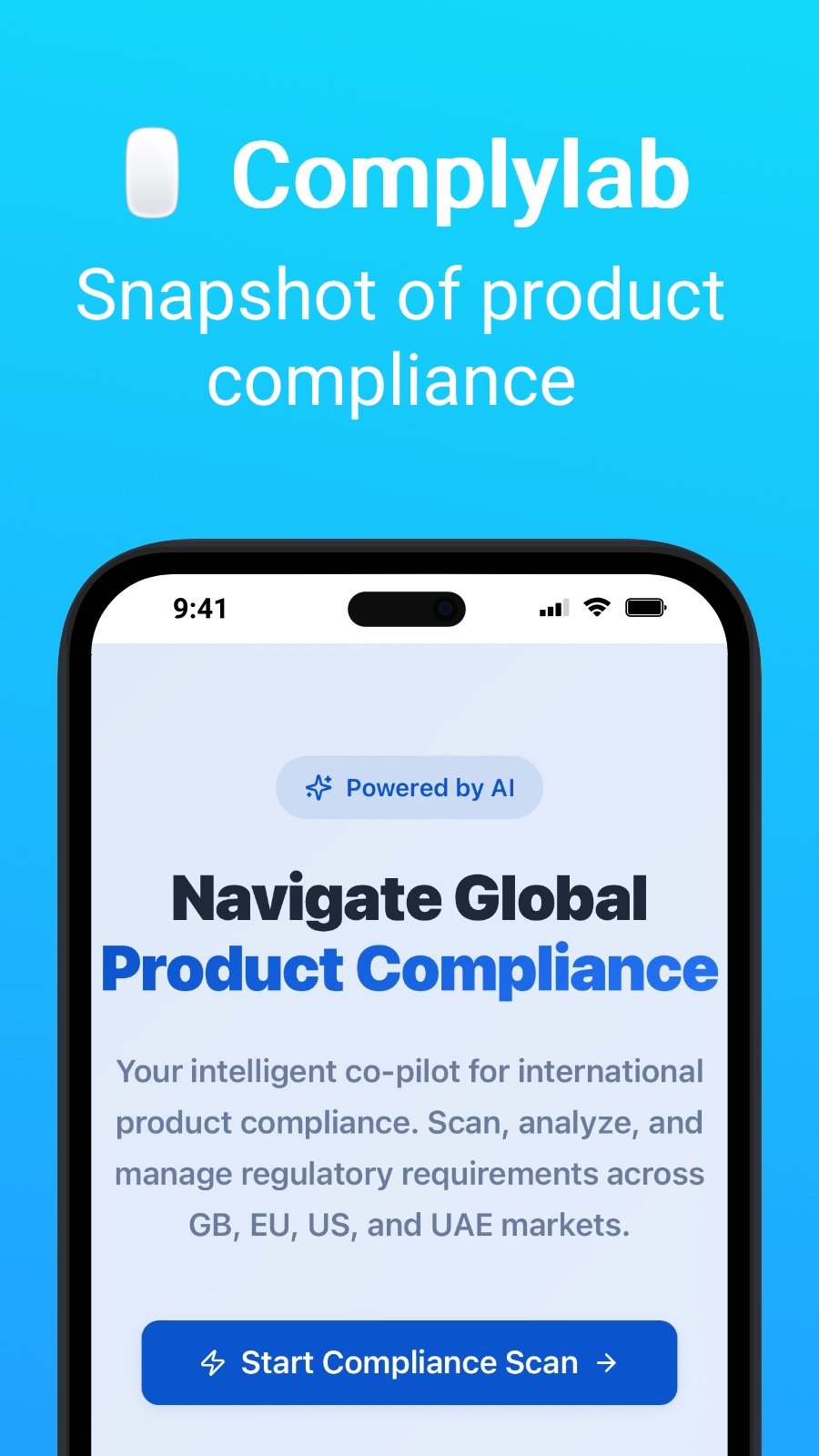
Al-powered compliance guidance for early-stage brands and online sellers. Get an instant overview of applicable regulations for your products.
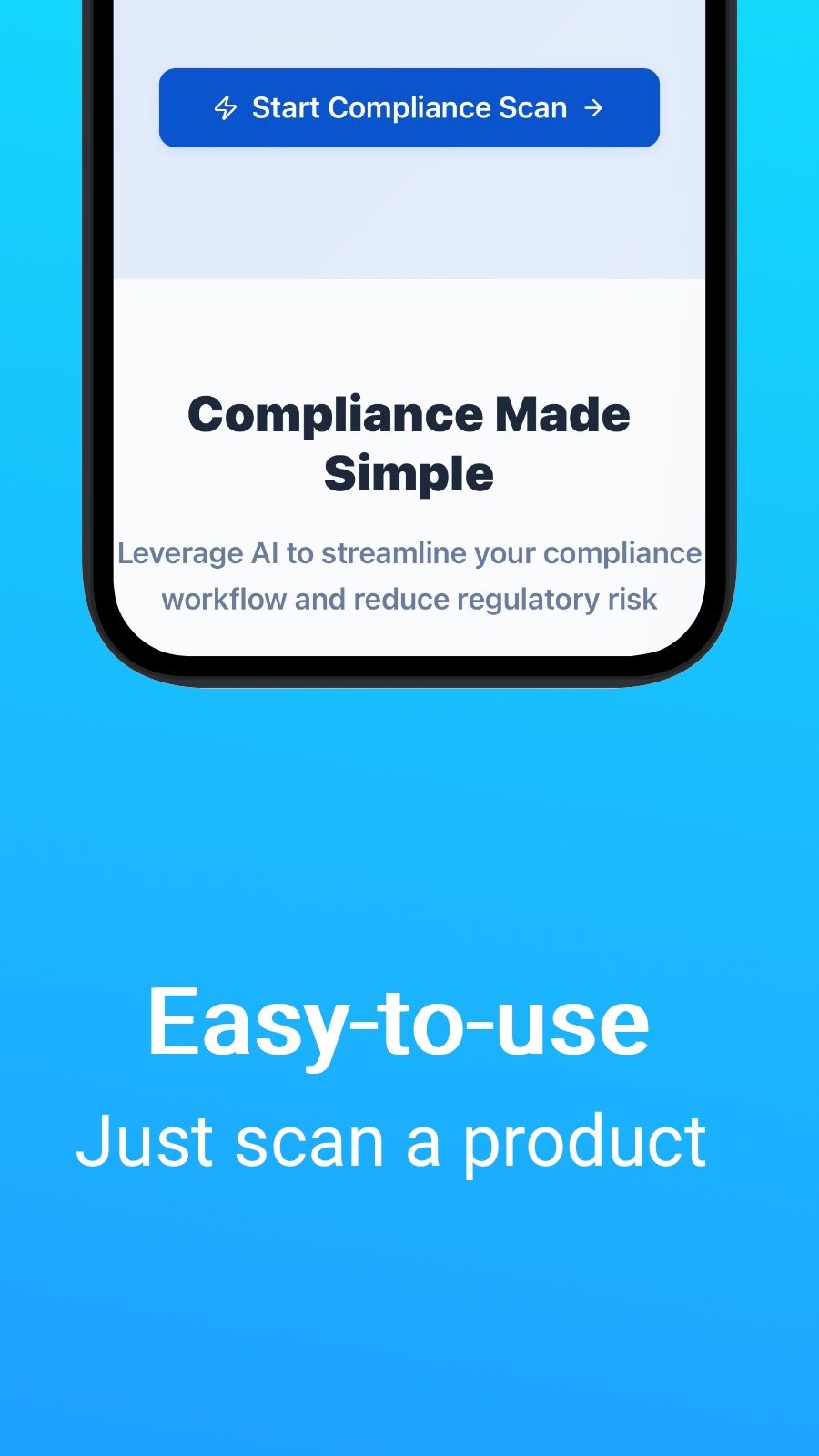
Compliance Made Simple
Leverage AI to streamline your compliance workflow and reduce regulatory risk

AI-Powered Scanning
Upload product images and let AI extract marks, warnings, and identifiers automatically. Get instant classification suggestions with confidence scores.

Smart Requirements
Generate comprehensive compliance checklists tailored to your target markets. AI assesses risk levels and explains regulatory obligations clearly.

Multi-Market Support
Navigate regulations across GB, EU, US, and UAE with confidence. Market-specific requirements personalized for your products.
How It Works
Get started with compliance in minutes, not days.
Scan or Input Products
Quickly enter product details or scan barcodes to get started with your compliance check.
Regulation Overview
Receive an overview of applicable UK & EU regulations and standards for your product type.
Guidance Steps
Receive an overview of applicable UK & EU regulations and standards for your product type.
What is this app?
This app is a Progressive Web App (or simply PWA). Install it on any smartphone, tablet or desktop computer — it uses very little storage space and requires no updates. By design, a PWA cannot access your device data or personal information.
Availability
Install ComplyLab (Beta) in a few seconds — directly from your browser. This app is available on Android (with Chrome), on iOS (with Safari), on Windows (with Chrome or Edge) and macOS (with Chrome). Simply click on the Install button at the top of the page.